
For a list of BASHing data 2 blog posts see the index page. 
Copy selected items from a terminal to a text file
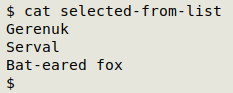
Sometimes when I'm looking through a list in my terminal I see data items that I'd like to follow up in some way. For example, in the list below I might like to do something with the gerenuk, serval and bat-eared fox:
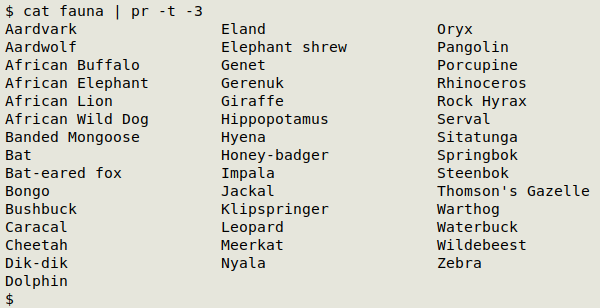
To build a small text file with those selected items as a list I have a tiny BASH script based on the xclip utility:
#!/bin/bash
echo "$(xclip -o)" >> ~/Desktop/pasted-selections
exit 0
On my Xfce desktop I've set a keyboard shortcut to launch this script, namely F1. To build the selected-items file I highlight an item in the terminal with the mouse. This puts the item on the primary clipboard. I then press F1 and the job's done.
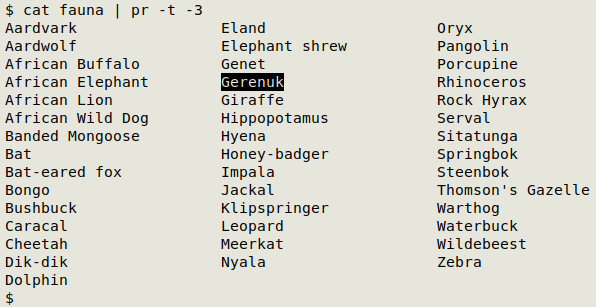
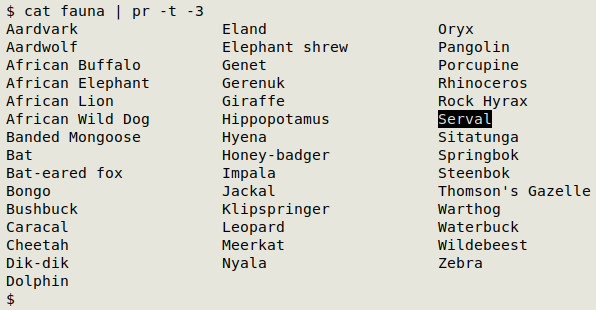
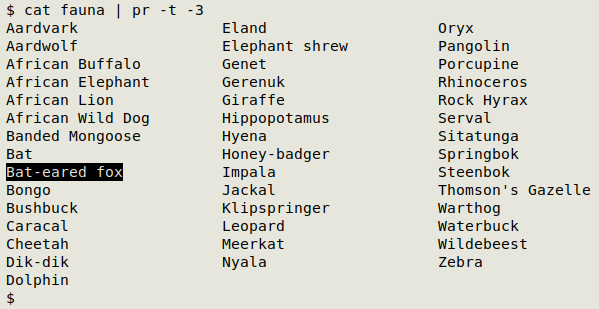
The from-terminal-to-text task is the one I scripted for, but obviously the script can be used for listing text items from any source (webpages, ODT documents...) that allows selection to the primary or X clipboard by highlighting. Just as obviously, the script won't work with programs that have abandoned this fine old X feature!
Next and last post:
2025-12-26 Format musings 3; the last "BASHing data" post
Last update: 2025-12-19
The blog posts on this website are licensed under a
Creative Commons Attribution-NonCommercial 4.0 International License